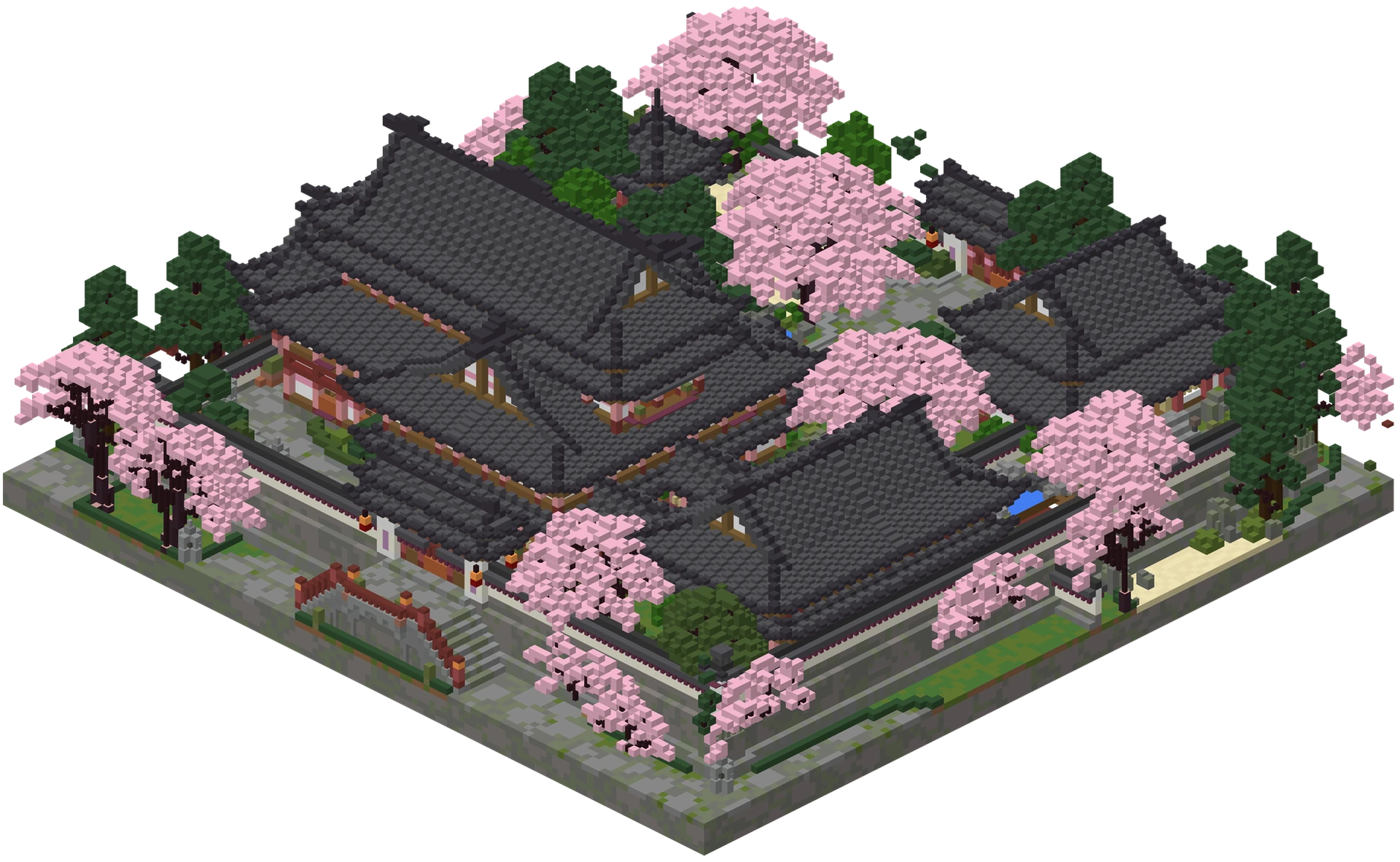
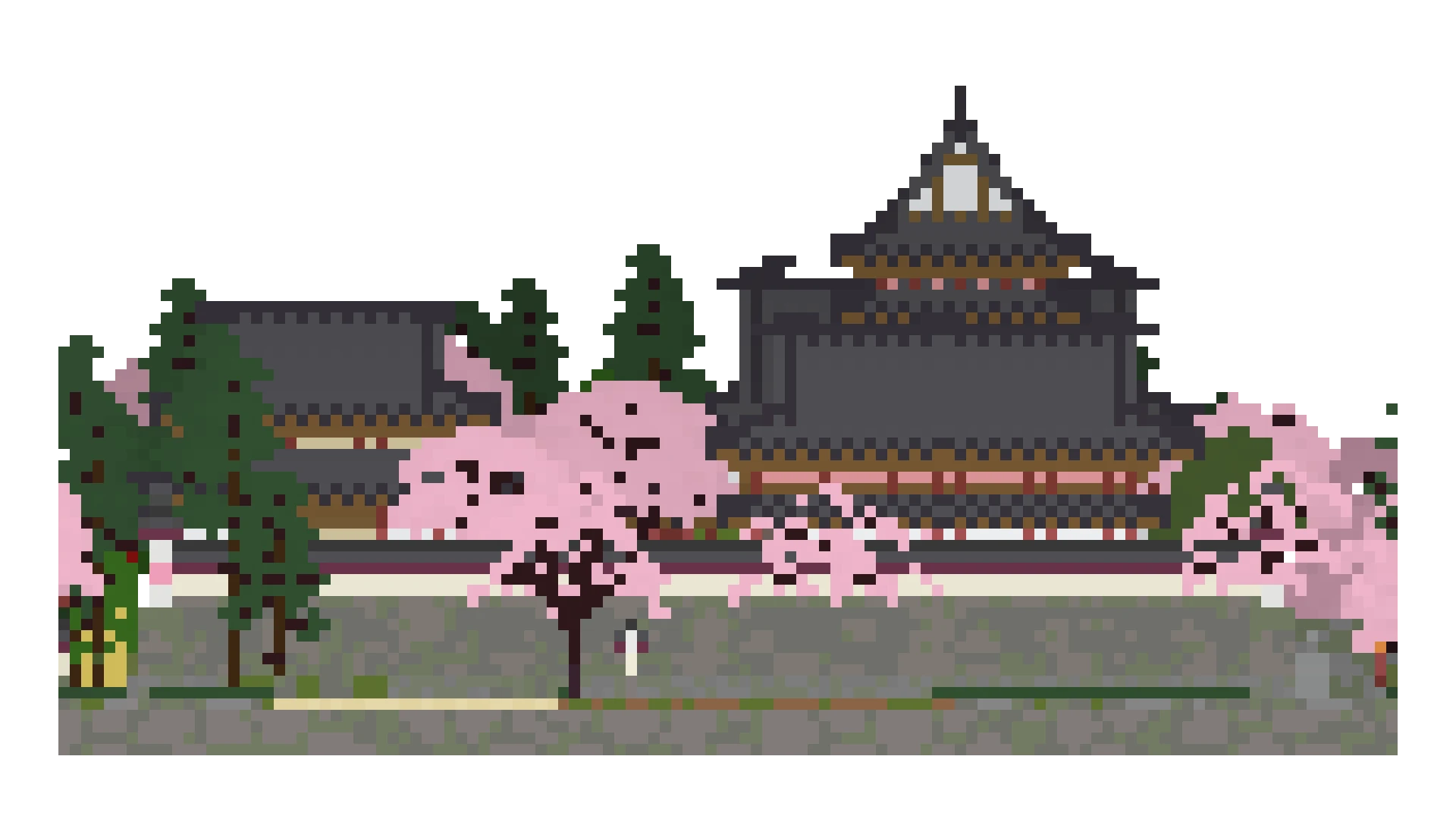
01 / 05Open viewer
Interactive 3D viewer
Orbit, walk and inspect supported builds with block-level details.
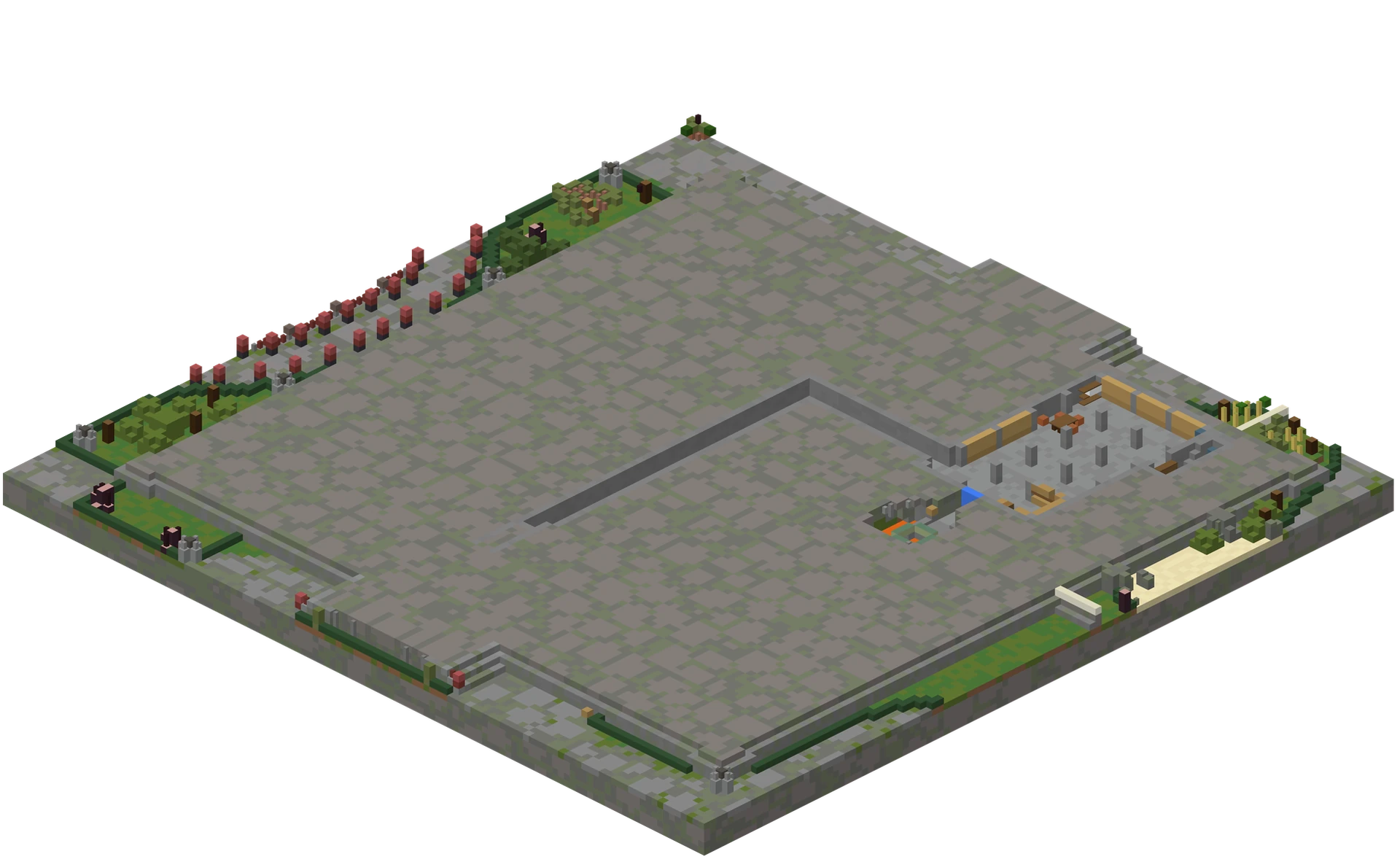
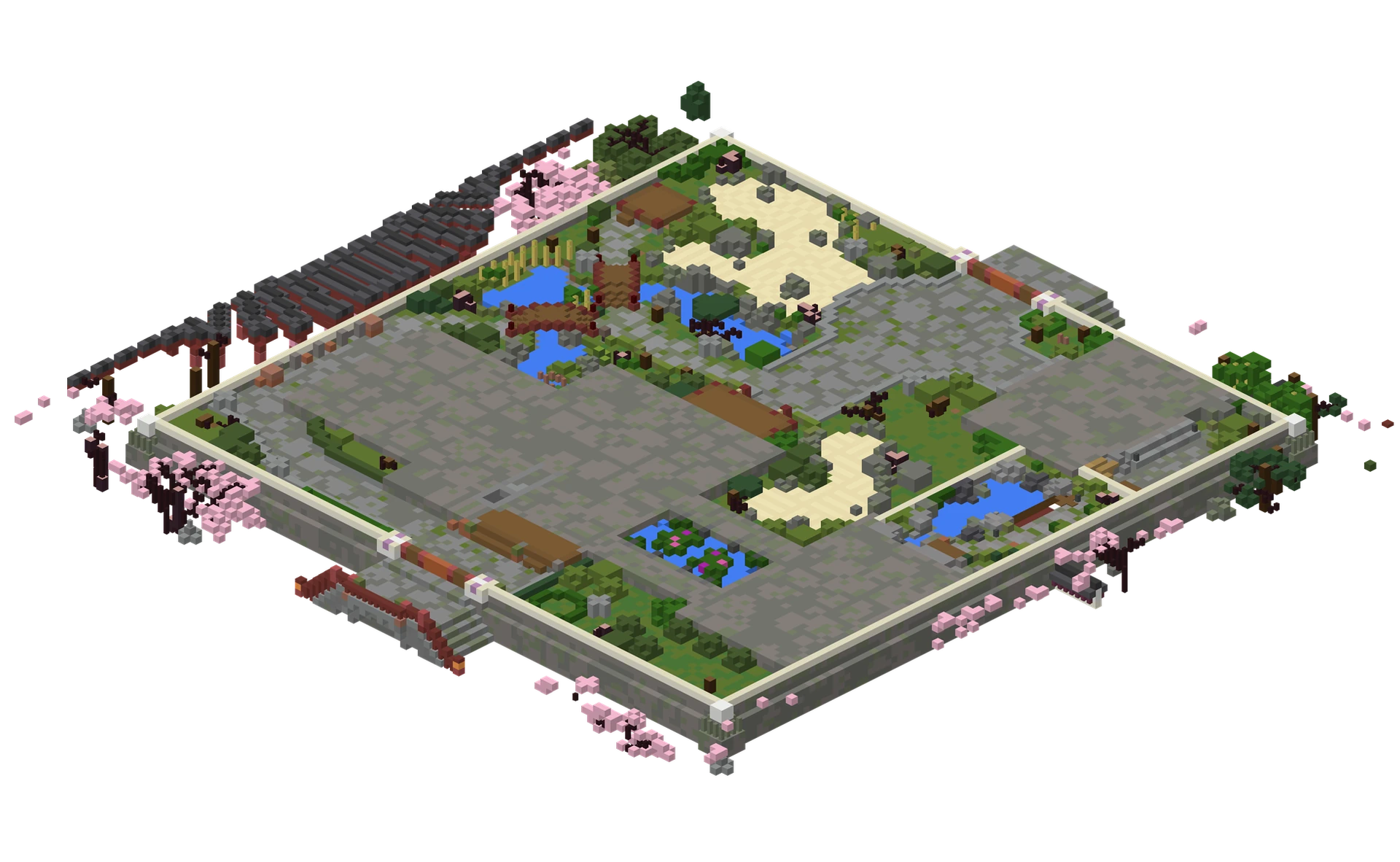
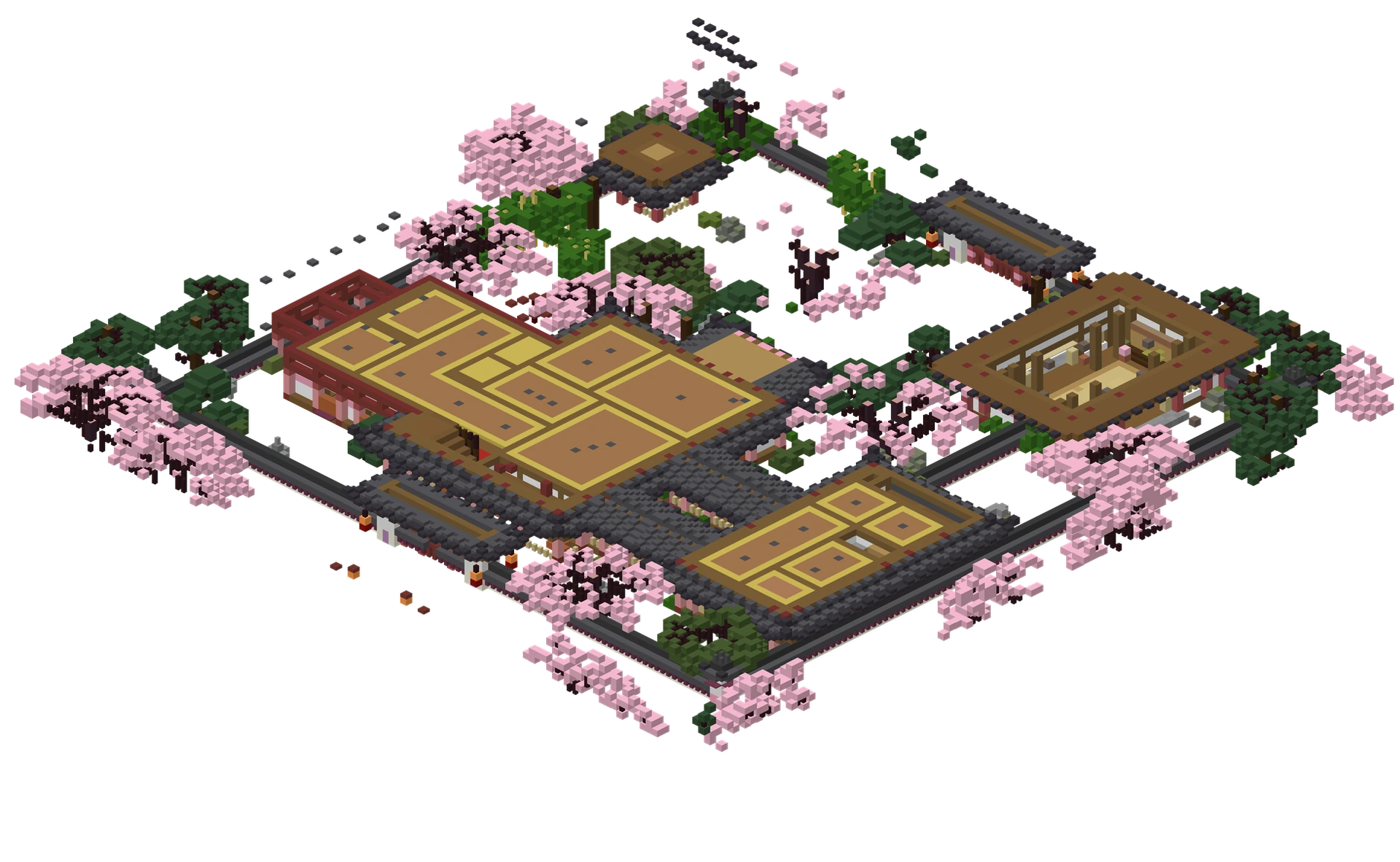
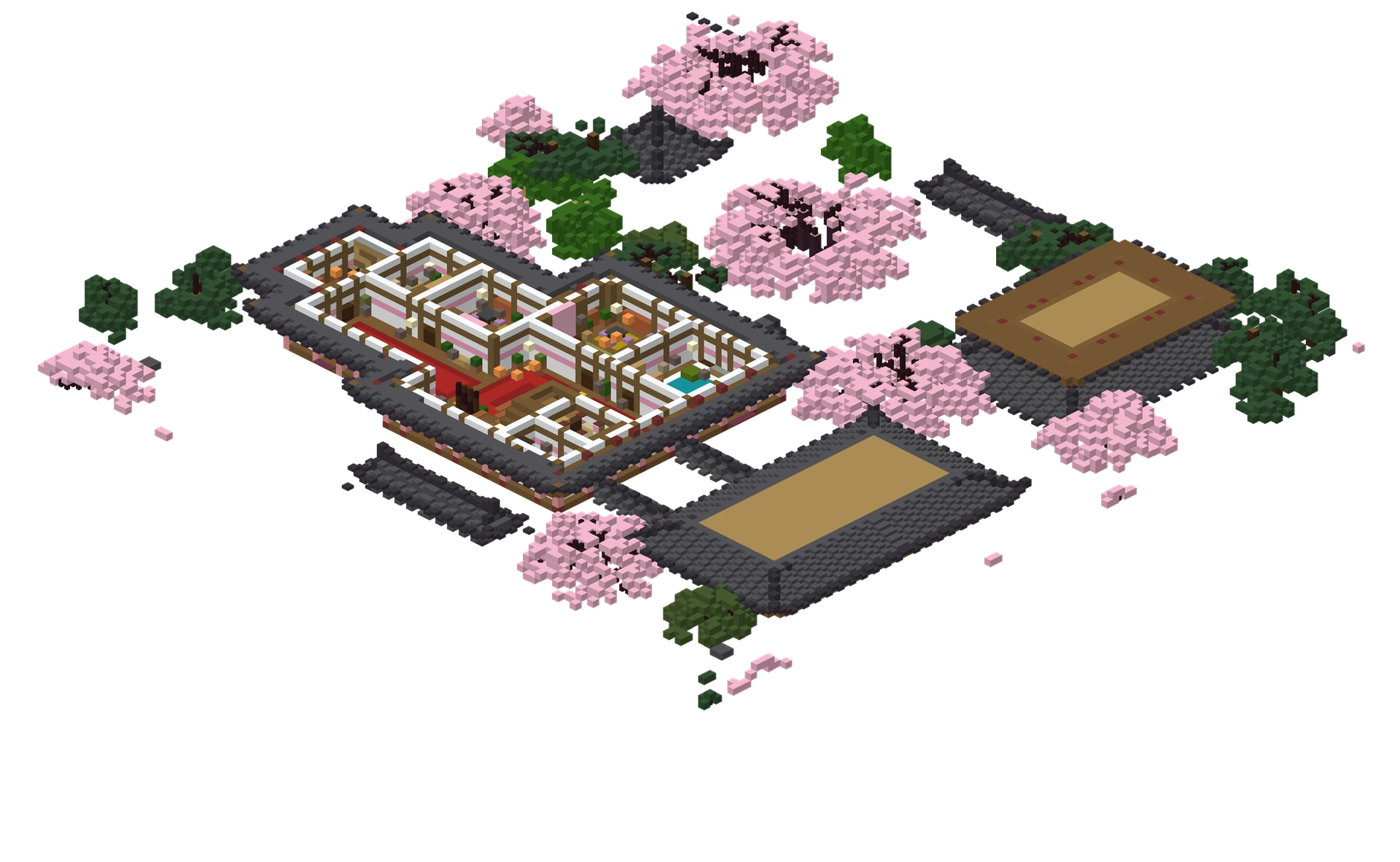
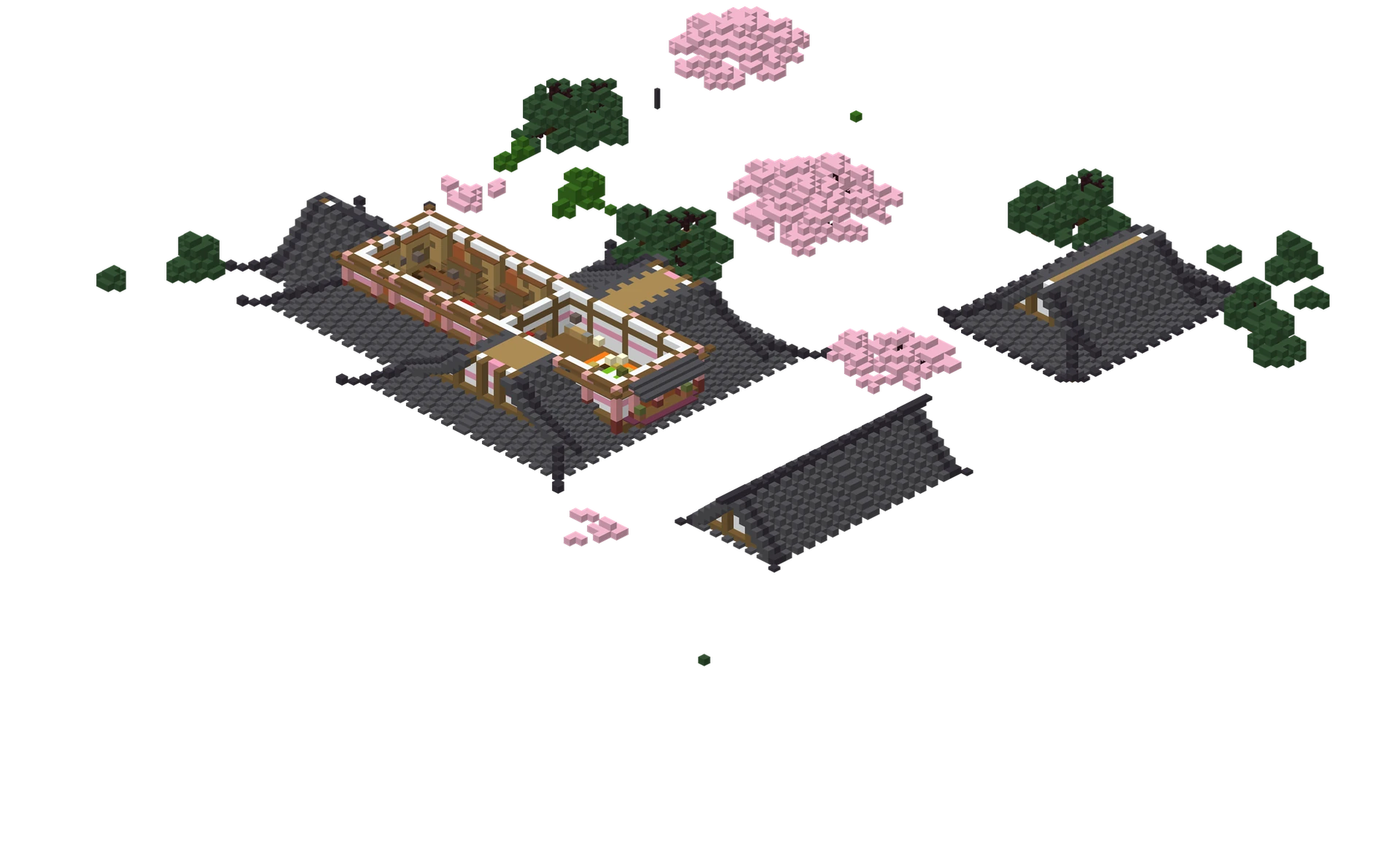
Discover, preview and convert Minecraft schematics and Java worlds · right in the browser.
Focused tools for real schematic and Java world workflows.
Keep scrollingOrbit, walk and inspect supported builds with block-level details.
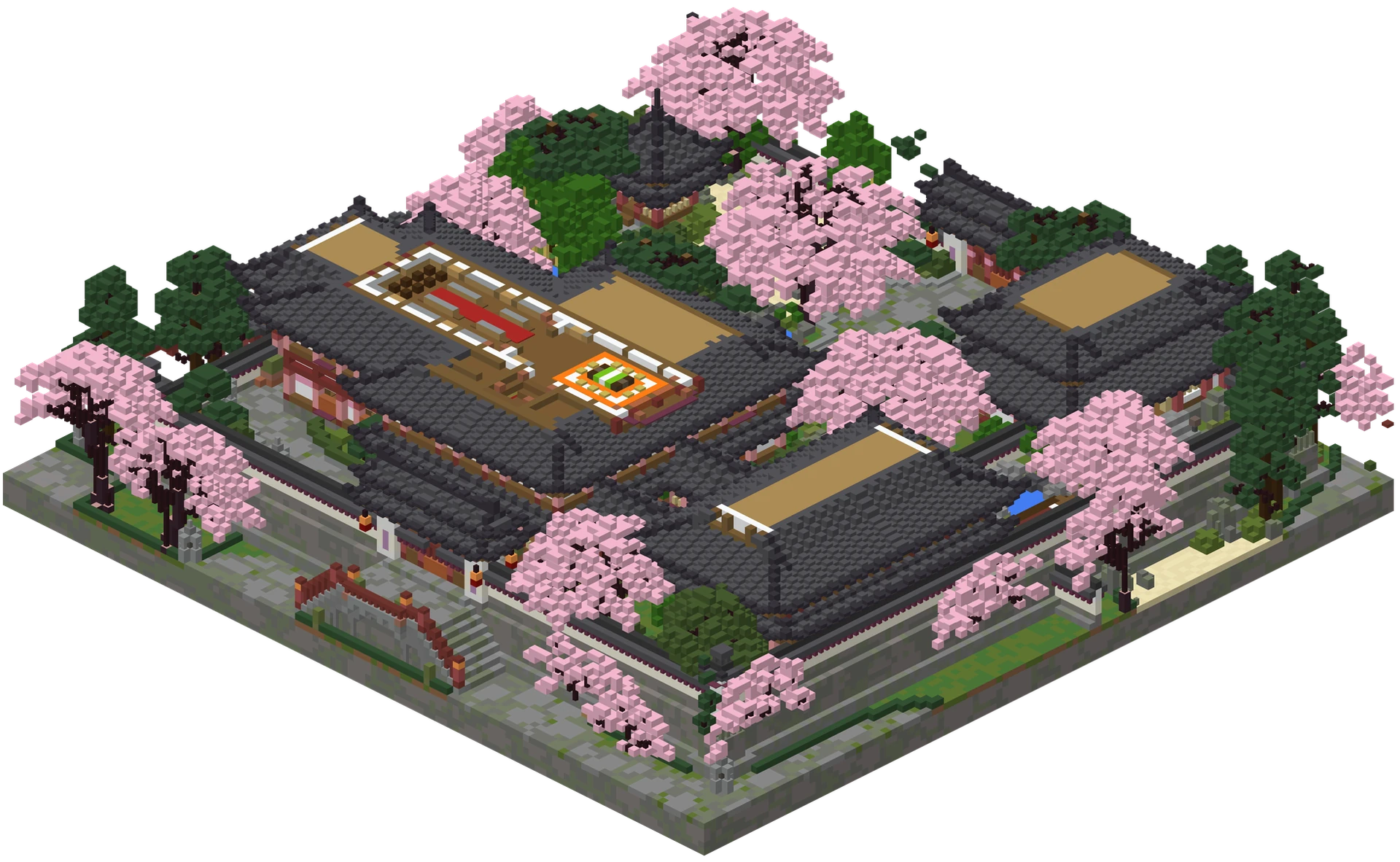
Slice X, Y or Z to see how a build is assembled, one section at a time.
Convert supported schematics or a selected Java world area to Sponge .schem.
Choose a title, tags and download permission before making a build public.
Browse published builds by title, format, dimensions and relevant tags.
.litematic, .schem, .schematic, .nbt, .mcstructure · or a Java world .zip and single .mca regions, up to 200 MB.
Exploded View spreads Y layers without changing coordinates. Slice, search and isolate any block.
Set X, Y and Z bounds, then export the area as Sponge .schem · or publish the build to Explore.
Made of blocks. Built from imagination. From a first survival base to a sprawling fantasy world , explore the details, learn how it fits together and share what you create.
Explore the community3D rendering, NBT parsing, block analysis and Java world conversion all happen in your browser.
Signed in, viewer imports stay in your private library until you publish them. Without an account, schematics are published to Explore as guest builds; sign up later to make them yours or private.
The standalone converter reads and exports locally. No account and no 3D viewer needed.
Open your own supported file or explore the live public library. On phones, swipe to orbit and pinch to zoom.