Dark Angel Statue - Gothic Warrior Figure
118 × 124 × 57 wide · high · longJava 1.19+nethermedievalstone
000
21,720 blocksOpen

A walled temple courtyard with layered tiled roofs, cherry and spruce trees, stone paths and a terraced garden. It is the example build used throughout Schematic Studio: open it in the 3D viewer, slice it layer by layer or download the original Sponge .schem.
The earliest matching catalog release for all used block names and supplied states is Java 1.20.
Version-setting blocks: pink petals, cherry wood, cherry log, bamboo fence, chiseled bookshelf.
Block availability only. Renamed IDs may need remapping by your import tool. File formats, entities, block-entity data, mods and behavior can require additional tools or a newer version. Catalog checked through Java 26.1; future releases are not verified.
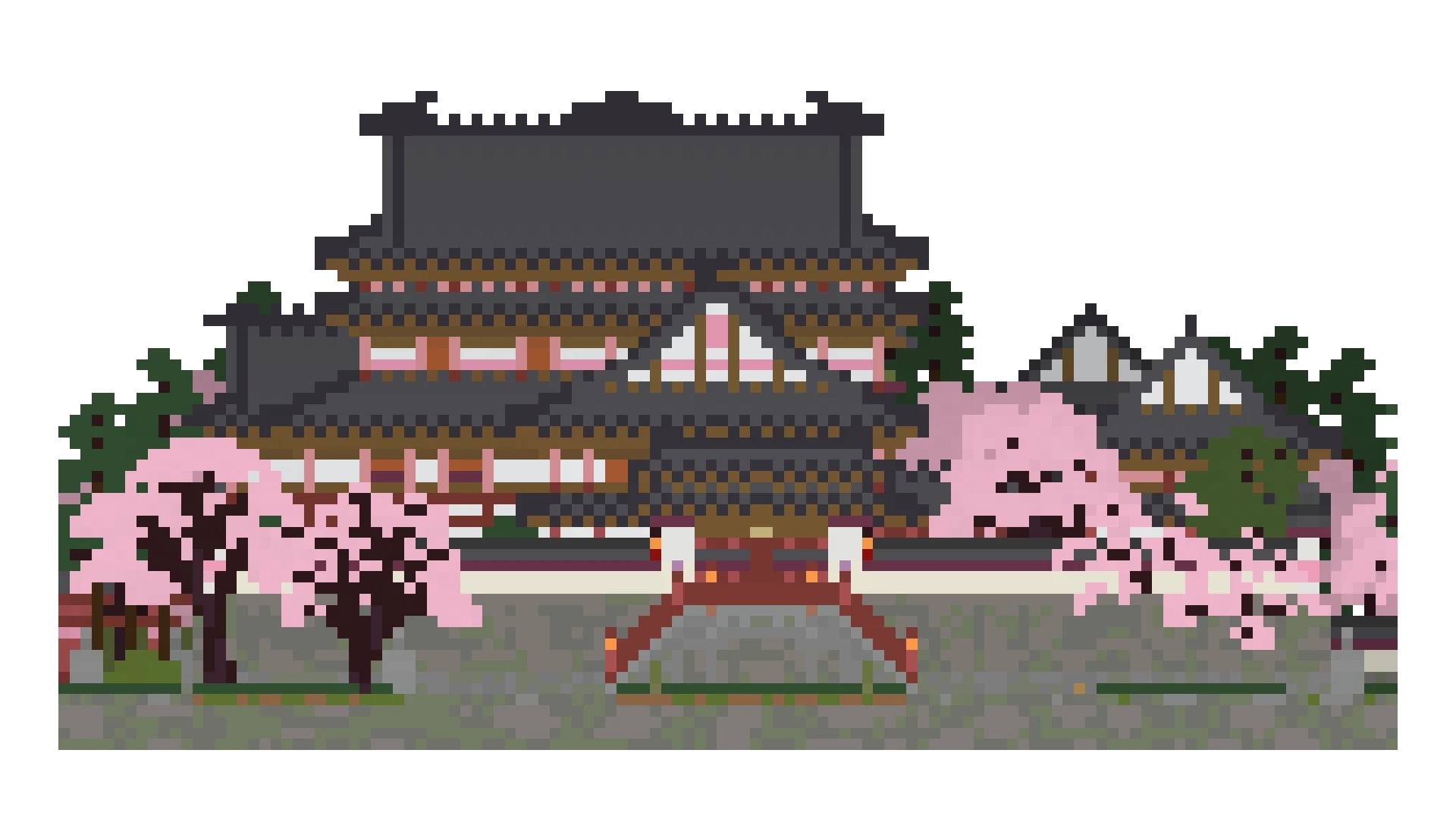
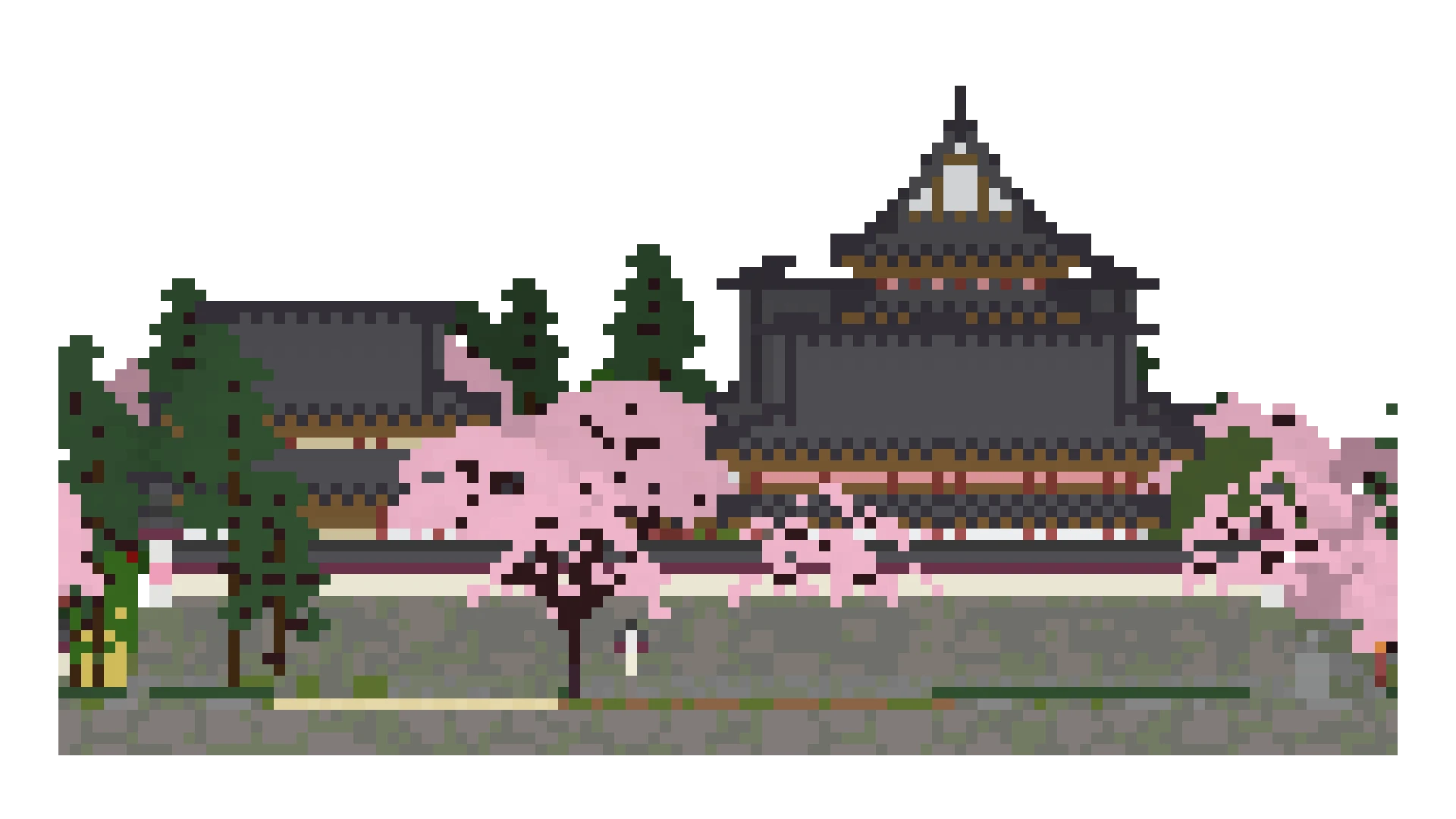
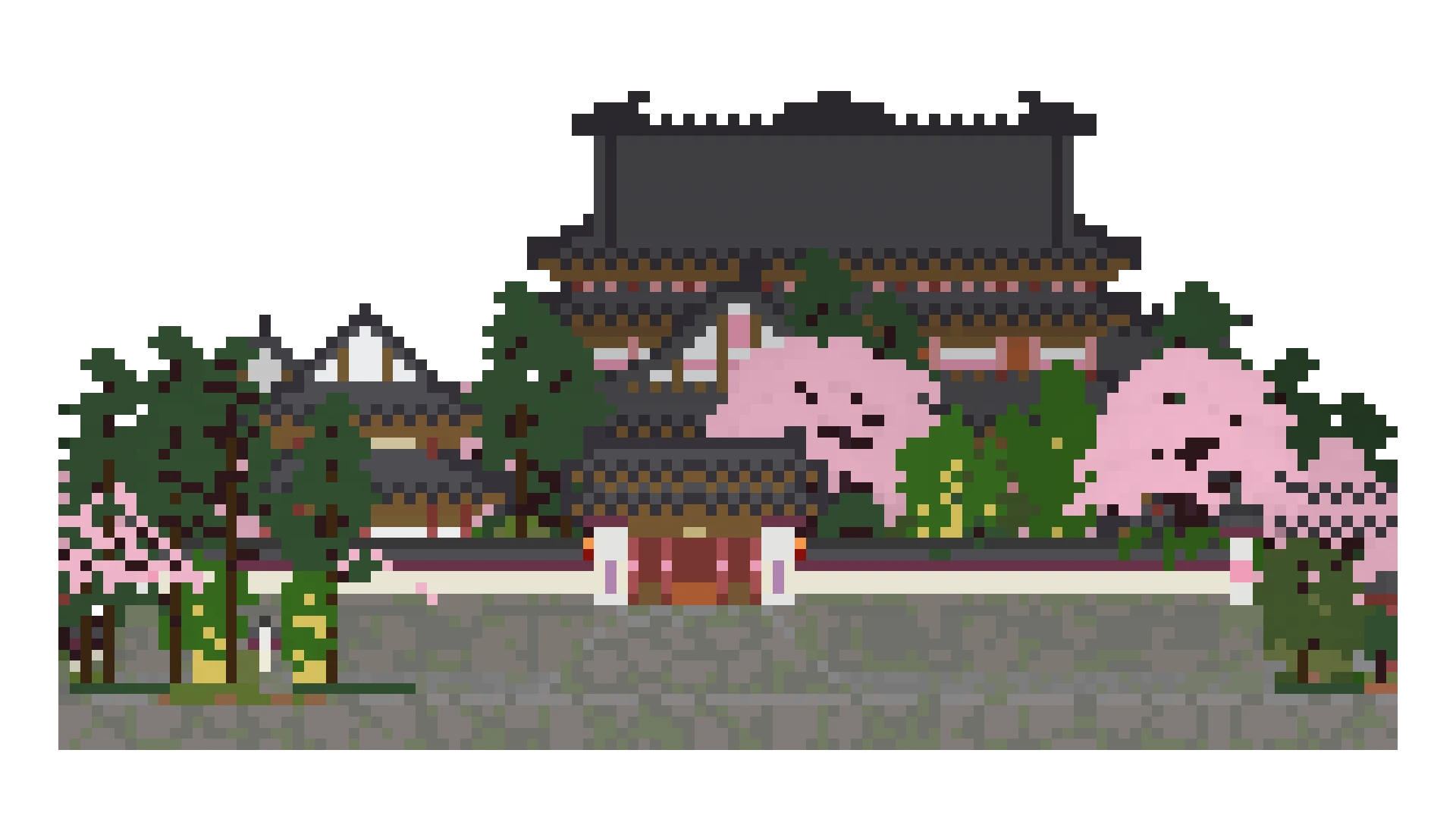

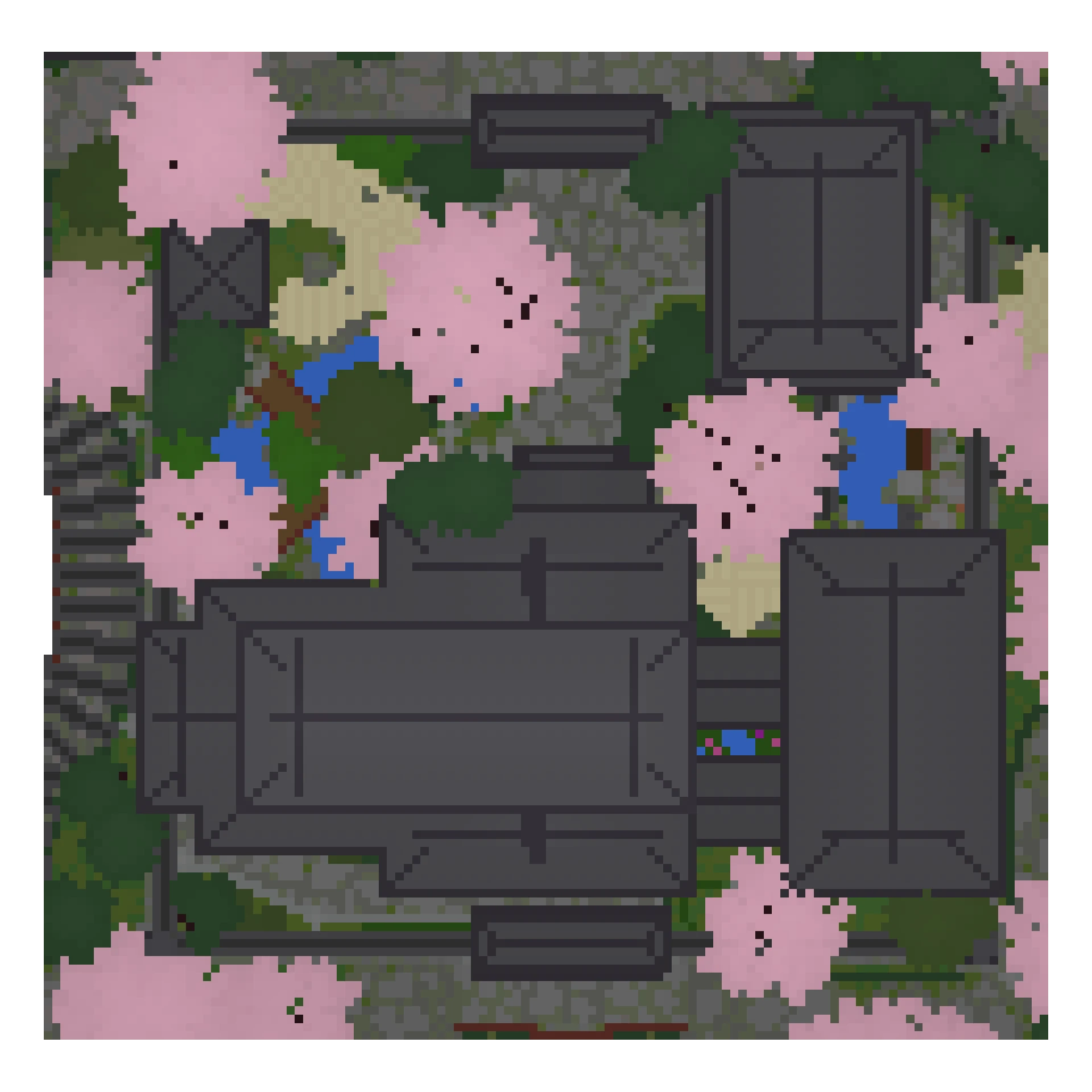
Slice X, Y or Z and spread layers apart with Exploded View.
Highlight or isolate any block ID, then copy coordinates or a /tp command.
FastPhoto exports front, back, left, right, isometric and top in one ZIP.
Jump to the schematic origin before you paste it in-game.